
Connect My Adhan
Plug the power cable into the screen and connect the adapter to the socket. My Adhan starts up automatically.
No complicated installation or technical knowledge needed. Connect My Adhan, walk through a few simple steps and the screen is ready for daily use.
See the 5 steps↓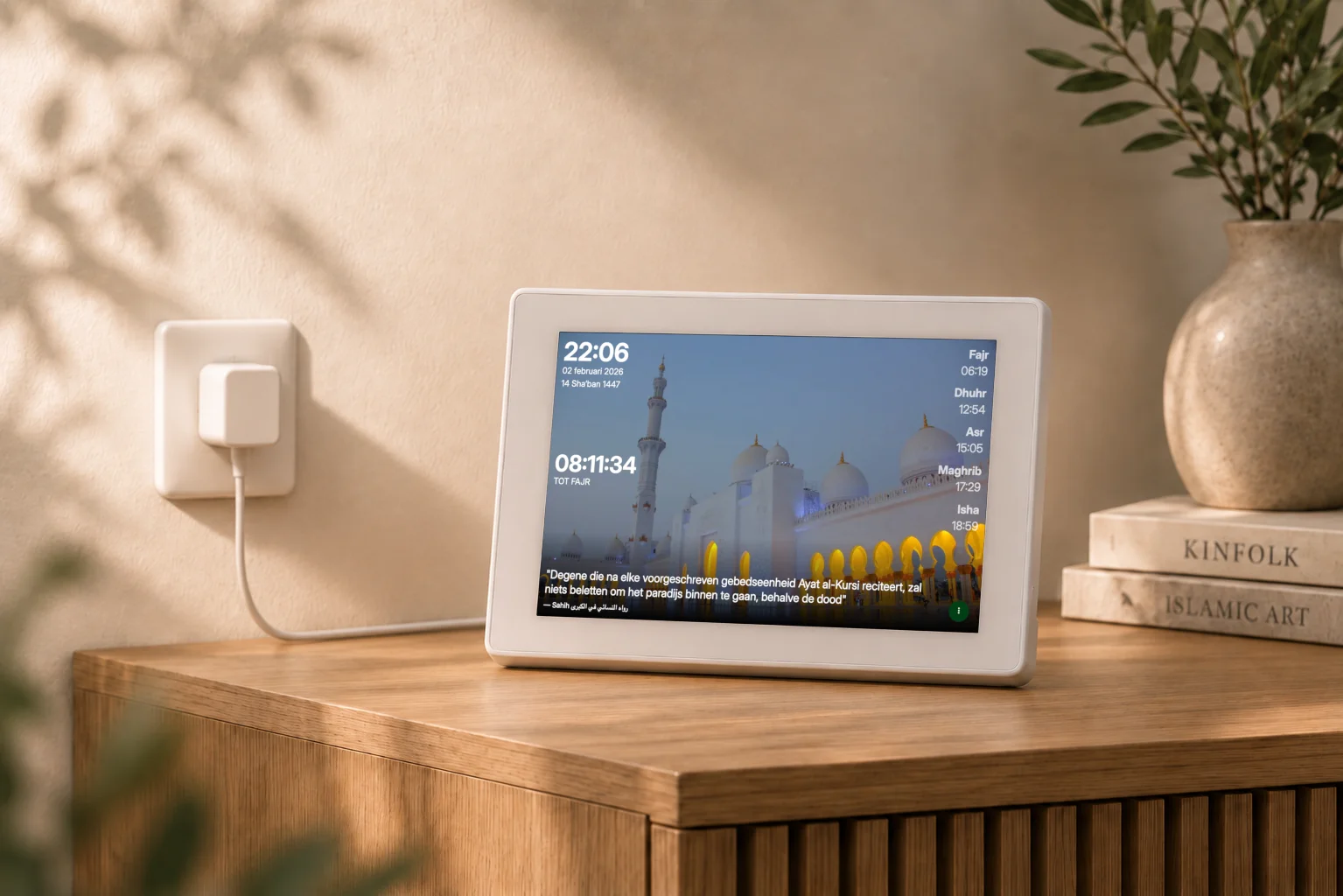
You set up My Adhan once. After that the screen does its work automatically.
Plug the power cable into the screen and connect the adapter to the socket. My Adhan starts up automatically.
Select the language you would like to use. That way My Adhan feels familiar to you and your family straight away.
Choose your Wi-Fi network and connect. My Adhan can then load your settings and receive updates.
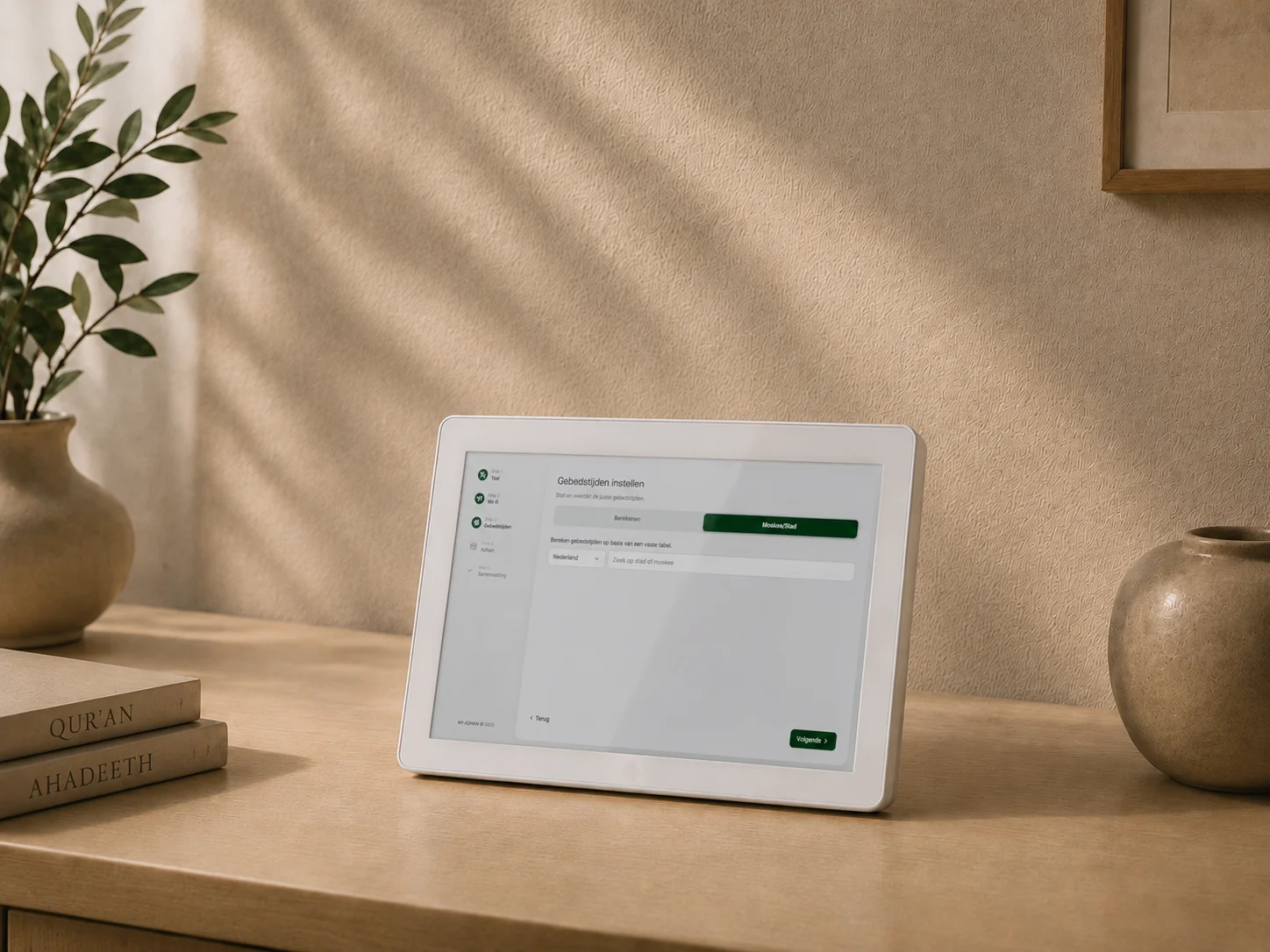
My Adhan guides you step by step through the first setup.
Use automatic prayer times based on your location, or choose the fixed prayer times of your mosque.
Select your favourite muadhin and decide which Adhan you would like to hear at home.
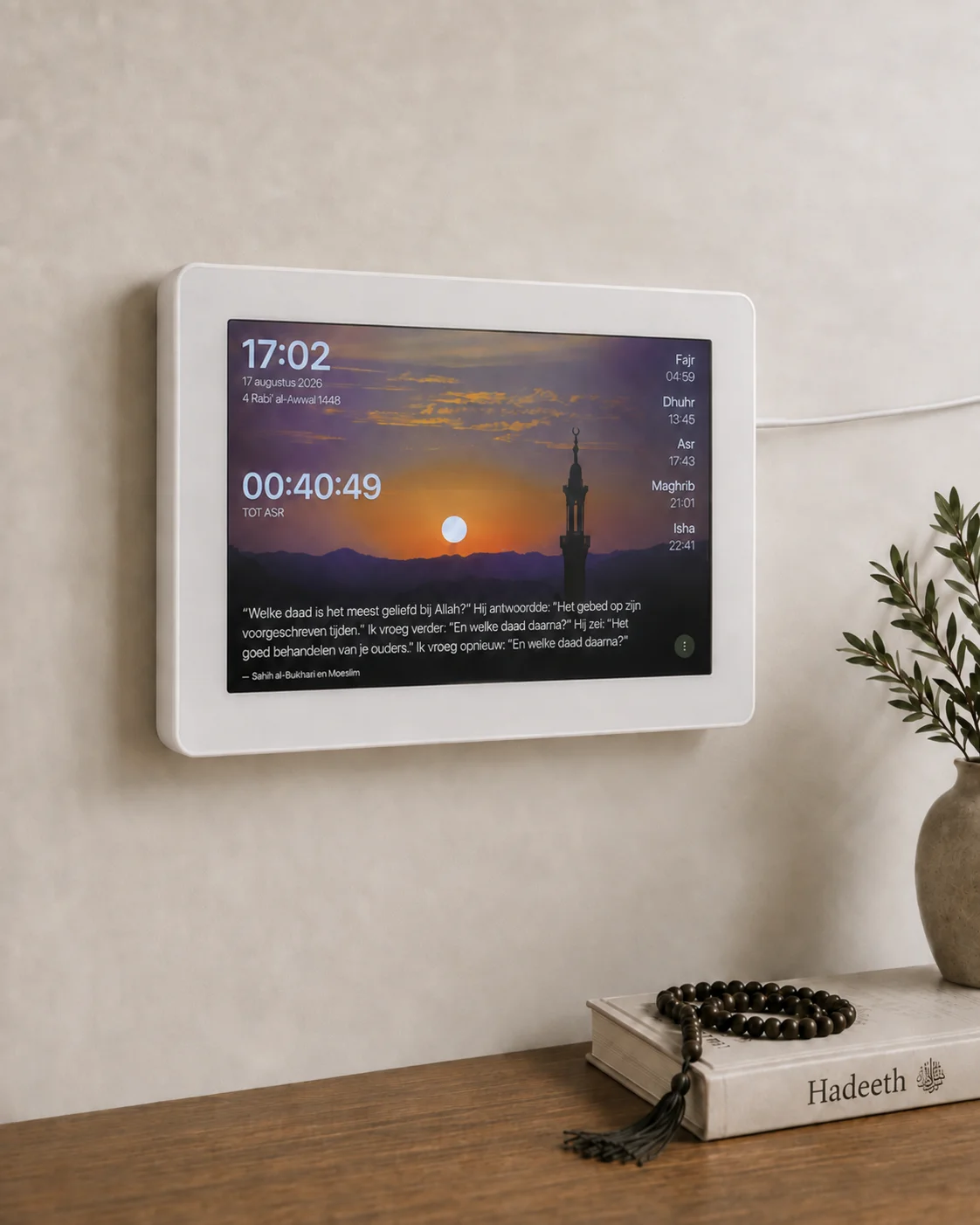
From now on My Adhan shows your prayer times automatically and you hear the Adhan at the right moments. Without having to do anything for it each day.
View My Adhan